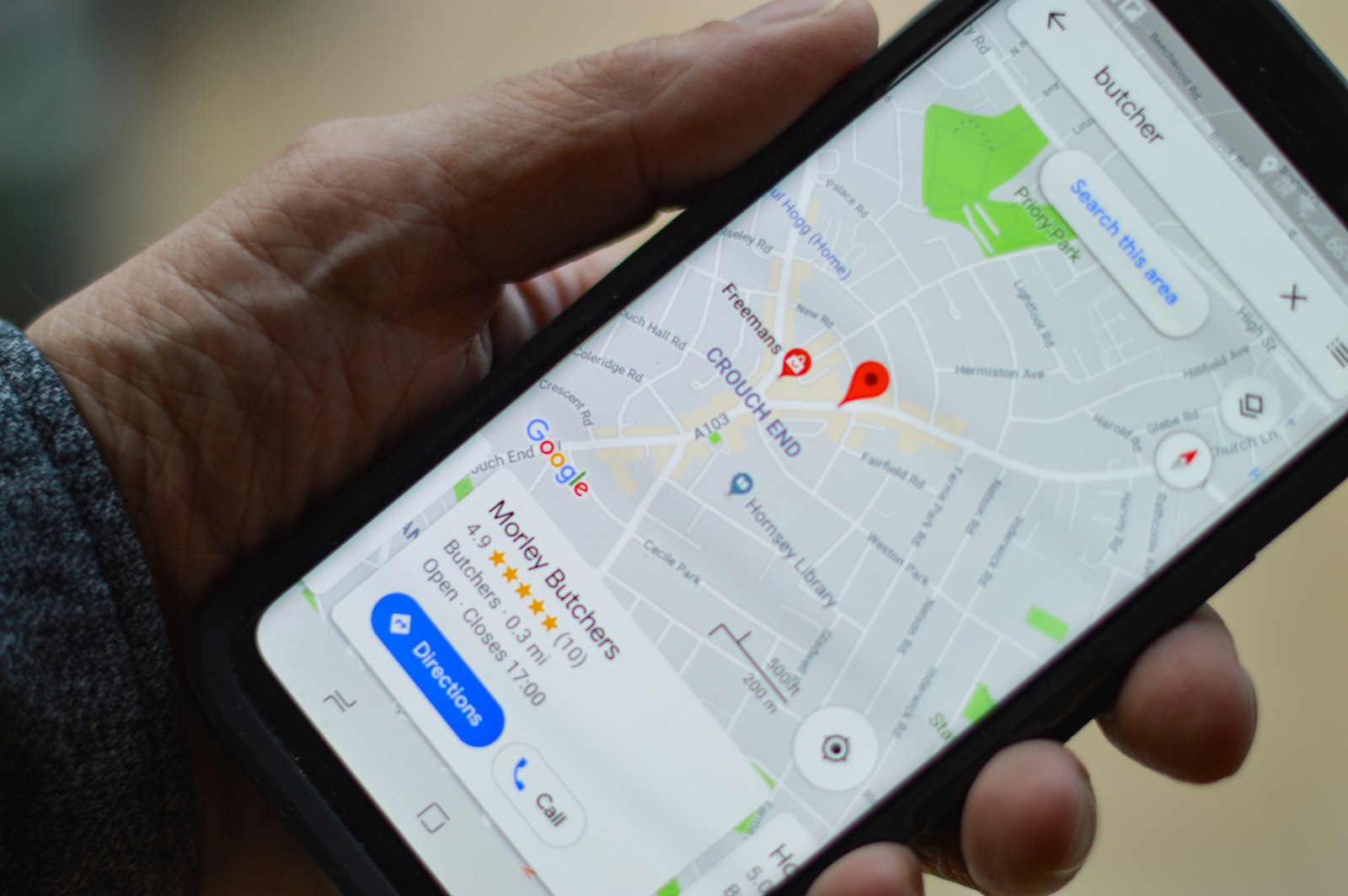
The uncomfortable truth: if someone in Chelmsford, Southend or Colchester types "[what you do] near me" into Google right now, there's a good chance your business doesn't appear. Not because you're bad at what you do — but because you haven't done a handful of free, one-time setup tasks that Google requires to trust you're real and local.
This guide covers exactly what to do in 2026. No agency, no ad spend, no technical knowledge needed.
Why local search visibility matters more than ever in 2026
AI-powered search (Google's AI Overviews, ChatGPT, Perplexity) is now the first thing millions of people see when they search for local services. These systems pull from verified, structured sources — meaning businesses with complete profiles, genuine reviews and consistent directory listings win. Those without them are invisible to both traditional Google results and AI answers.
Step 1: Claim and complete your Google Business Profile (free, takes 20 minutes)
Your Google Business Profile (GBP) is the single most important piece of online real estate your business owns. It controls whether you appear on Google Maps, in the "local pack" (the map results at the top of search), and increasingly in AI summaries.
What to do:
- Go to business.google.com and claim your listing (or create one if it doesn't exist).
- Fill in every single field: hours (including holiday hours), phone, website, categories (pick up to 10), description (use your town name and services naturally in the first 150 characters).
- Upload at least 10 photos — interior, exterior, products/services, team. Businesses with 10+ photos get 35% more clicks according to Google's own data.
- Post an update once a month. Google rewards active profiles with higher placement.
Step 2: Get consistent directory listings (free)
Google cross-checks your business name, address and phone number (NAP) across dozens of directories. If those three details aren't consistent everywhere, Google's confidence in your business drops — and so does your ranking.
The directories that matter most for an Essex business in 2026:
- Discover Essex — the dedicated Essex directory, prioritised by Google for local Essex searches. Free listing takes under 5 minutes.
- Bing Places — don't ignore Bing. It powers Copilot AI search results and still accounts for 8–12% of searches in the UK.
- Apple Maps Connect — powers Apple Maps, Siri, and CarPlay. Free, takes 10 minutes.
- Yell.com — still indexed heavily by Google. Free basic listing available.
- Thomson Local — older directory, but widely cited by AI models as a source.
Pro tip: use exactly the same business name, address format and phone number across all of them. Even small differences ("St" vs "Street") reduce Google's confidence.
Step 3: Get your first five Google reviews
Reviews are the currency of local search in 2026. A business with 5 reviews and a 4.8 average appears above a business with 0 reviews, regardless of age or spend.
How to get reviews without begging:
- Create a short Google review link from your GBP dashboard and put it in your email signature.
- Send a WhatsApp message to your last 10 customers with: "If we did a good job, a quick Google review helps us a lot — here's the link." Conversion rate is typically 20–40%.
- Print a small "Review us on Google" card with a QR code and hand it out after jobs.
Step 4: Add your business to Discover Essex (takes 3 minutes, free forever)
A dedicated local directory listing reinforces your Google Business Profile and adds an additional indexed page with your business details — which both Google and AI search engines can cite independently.
Create your free Discover Essex listing here — it takes about 3 minutes and you choose your category, town, services and contact details. Enhanced listings also appear in our category spotlights and are promoted to our 800+ member audience.
Step 5: Fix your website's local signals (if you have one)
If your website exists, three technical changes make a significant difference to local rankings:
- Add your full address and phone number to the footer on every page — not just the contact page.
- Create a "We serve [town]" page for each town you work in. A Chelmsford plumber who also covers Braintree and Witham should have a page for each. These pages rank for "[service] in [town]" searches independently.
- Add LocalBusiness schema markup (structured data). This is JSON code in your HTML that tells Google you're a real local business with specific opening hours, a service area and a category. Free generators exist at schema.org/LocalBusiness.
What about paid Google Ads?
Google Ads work — but they stop the moment you stop paying. For most Essex small businesses with limited budgets, investing time in the free organic steps above will generate more sustained enquiries per pound spent than running ads. See our full comparison: Directory Listings vs Google Ads for Essex Businesses.
Quick checklist: what to do this week
- Claim/complete your Google Business Profile.
- Add a free listing on Discover Essex.
- Add your business to Bing Places and Apple Maps.
- Send a review request to your last 10 customers.
- Check your name/address/phone is identical across all directories.
Most Essex businesses who complete these five steps see measurable improvement in Google enquiries within 6–8 weeks. The good news: it costs nothing except an afternoon.
Own a business in Essex? Create your free listing on Discover Essex and start appearing in local searches today.
Share this article
Get Weekly Essex Updates
Local events, new businesses, job opportunities and community news — delivered every week.
Explore Essex
Discover more of what Essex has to offer through our local directory.